
The MCP Couriers App
Request a courier quote from your phone
Your route. Your goods. A quote from our team.
Send your UK collection and delivery details to MPC Couriers, add photos or documents, and save a draft if you need to finish later. Our team reviews your request and emails you about your quote.


Free to download. Quote requests only — bookings are confirmed separately.
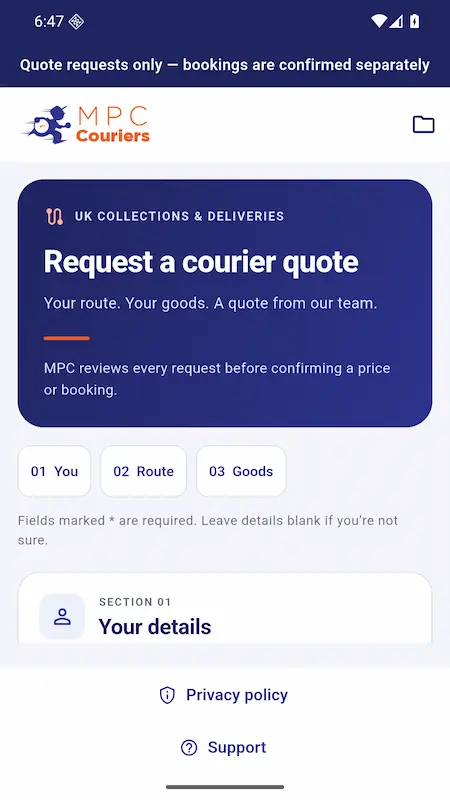
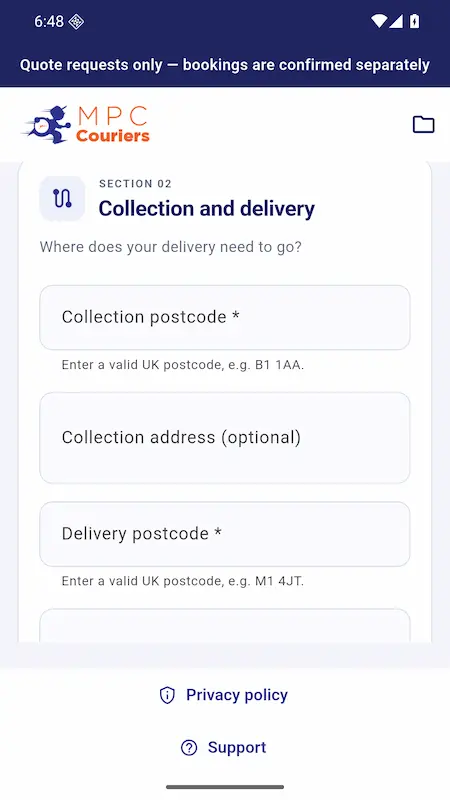
Get straight to your request
Save a draft on your device
Your route, goods and supporting files
A few simple steps.
A quote for your delivery.
Tell us what needs moving. We’ll take a look and email you about your quote.
01
Tell us about the delivery
Add your contact details, UK collection and delivery postcodes, preferred date and goods details.
02
Add the helpful details
03
Check it. Send it. We’ll review it.
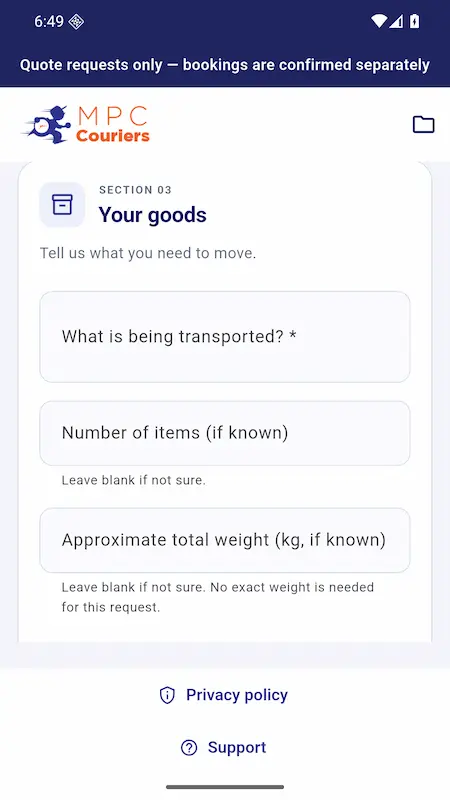
Everything we need.
All in one request.
A photo can explain the load. A document can fill in the details. Send them together with your route.
Add supporting goods photos and PDF documents to help our team understand your request.
Save a draft and reopen it on the same device. You’ll need internet access when you send it.
Check the information before sending. We review your request before confirming a price or booking.
Meet your new quote app.
Real app screens. A straightforward way to send the details.
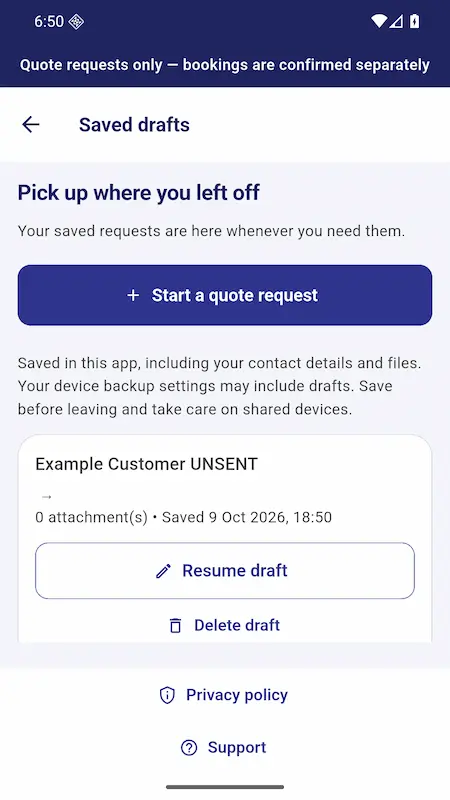
Reopen a request on your device. Fictional, unsent example shown.
Before you send your request.
Does sending a request book the delivery?
Can I add photos or documents?
Can I finish a request later?
Do I need an account?
No customer account or access to your email inbox is required to use the quote request app.
What happens after I submit?
Who is the app for?
UK customers requesting UK collections and deliveries. Suitable transport and any specialist requirements are confirmed by the team after review.

Get the app.
Free to download. No customer account required.
Prefer to use the website?

